
Elevator safety for kids: what if the elevator stops?
Four elevator safety reminders to share
- ✓Press the button gently, just once
- ✓Stay clear of the doors and keep hands away
- ✓If the elevator stops, press the emergency call button and wait calmly
- ✓In a fire, use the stairs instead of the elevator
Start a conversation about elevator safety with a coloring page. Your colored picture moves on screen!

Hello, I'm Didi from Circus Company.
Have you seen a child press the elevator button again and again because the elevator hasn't arrived? Waiting was the hardest part for me too. Here's a way to start talking about elevator safety for kids with a free printable coloring page.
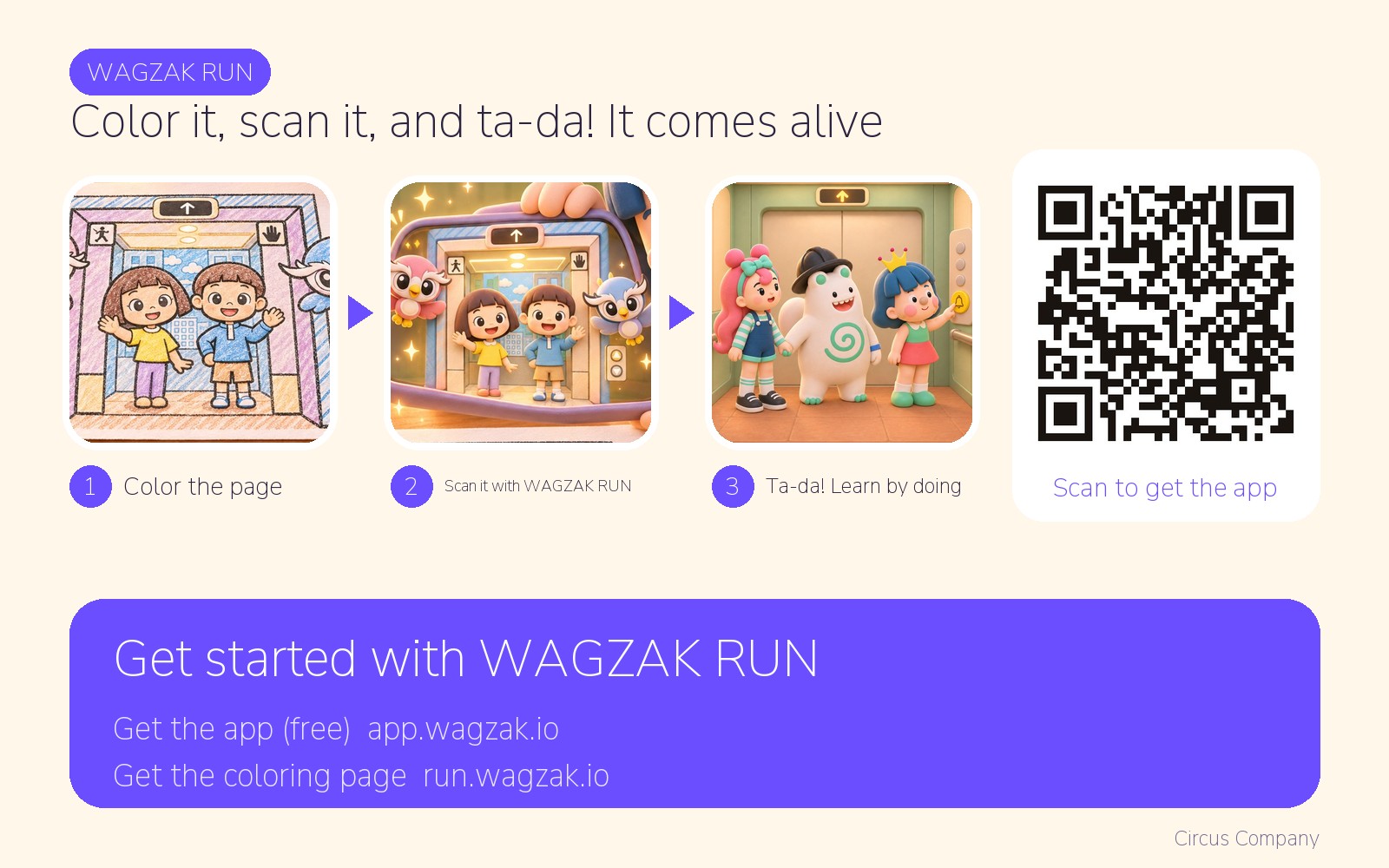
It helps to talk about the rules together ahead of time. I tried using a WAGZAK RUN coloring page to begin that conversation. Color it, point the app at it, and ta-da! Then talk about the rules together. Come along with Didi!
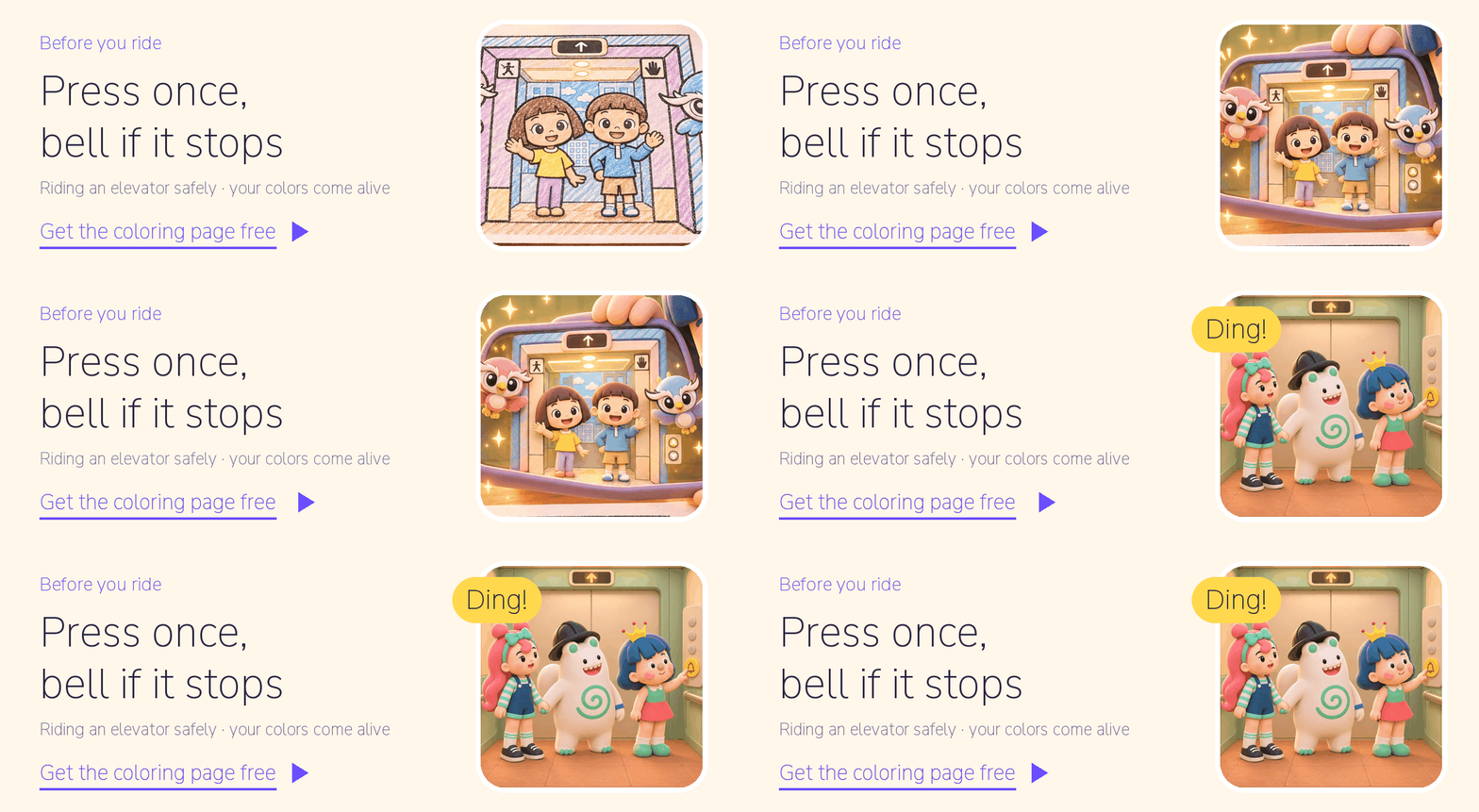
Elevator safety for kids: four things to remember
- Press once. Repeated presses won't make the elevator arrive faster. Press gently and wait.
- Stand back from the doors. Don't lean on them, put hands between them or jump inside.
- If it stops, call and wait. Press the emergency call button, which may have a bell symbol, and say, “Someone is inside!” Don't force the doors open. Wait calmly for an adult.
- In a fire, use the stairs. Don't take the elevator. Evacuate with an adult using safe stairs.
What can research tell us about learning on screen?
- Augmented reality: An analysis of 61 studies of augmented reality in education found a moderate positive effect on learning (d = .64). (Garzón et al., 2019, Virtual Reality)
To be clear, this research did not study WAGZAK RUN or measure elevator safety. The WAGZAK RUN coloring page is not training; it's a playful way to talk about safety while looking at a picture your child colored.
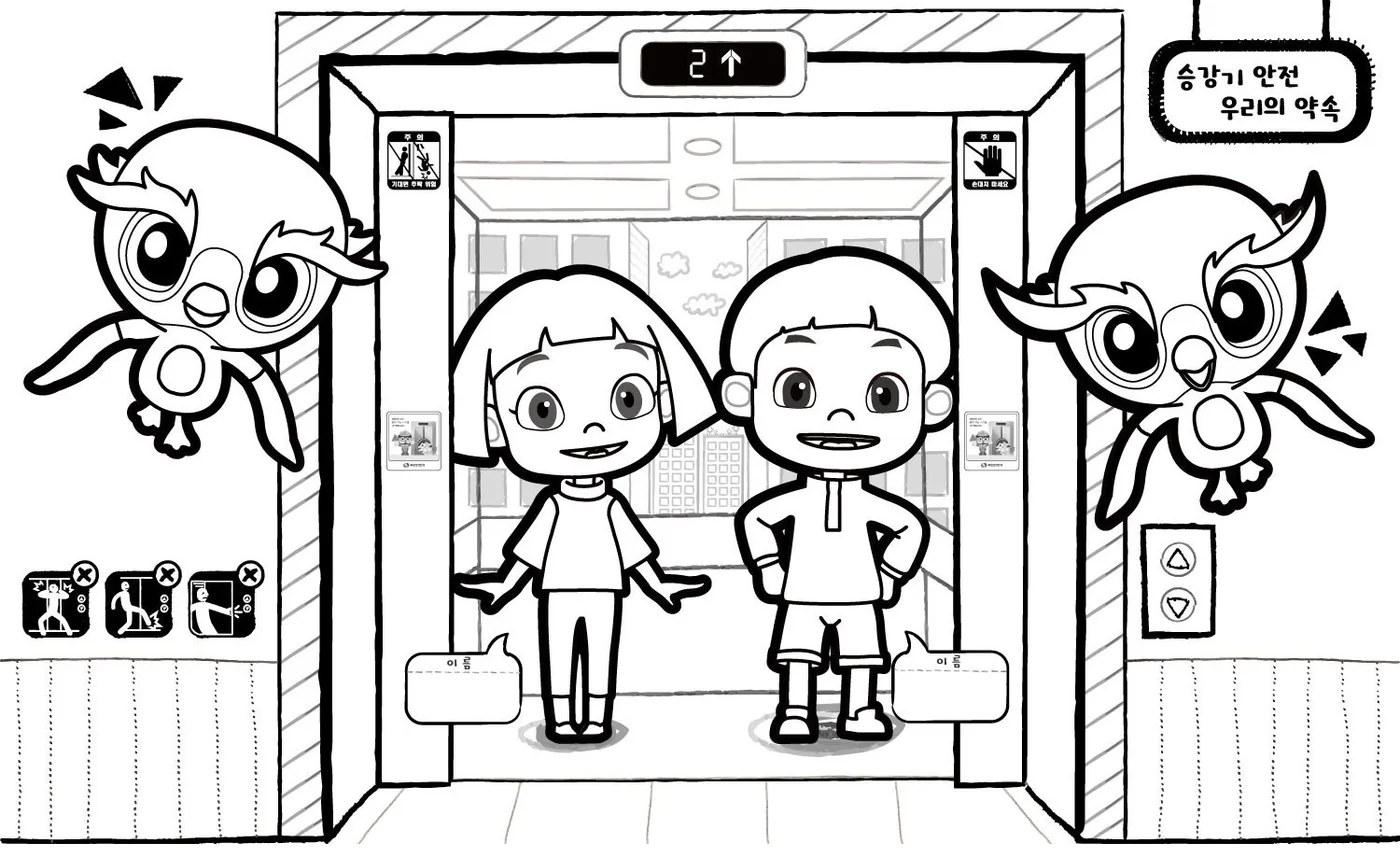
An elevator picture with your name on it
Get the “Riding the elevator safely” coloring page. Two children stand inside, bird friends flap beside the doors, and a caution sign is on the doors. There's a space for your child's name.
Print it and color inside the thick outlines with colored pencils to help the app recognize it. Dark crayons or markers may make recognition harder. Open WAGZAK RUN and point it at the page.
Ta-da! Your picture moves on screen in your colors, with the name you wrote.
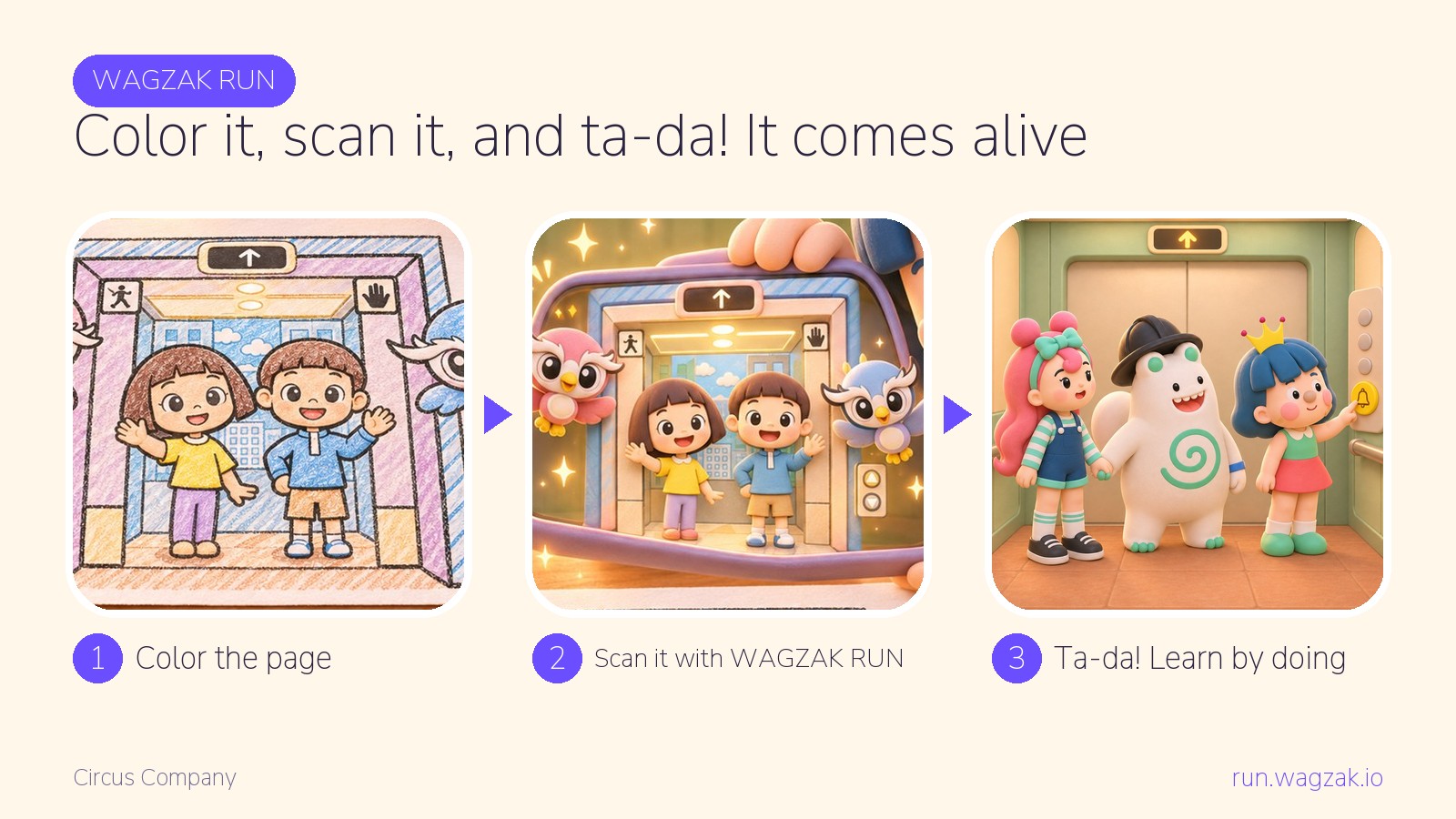
In class, children can color, write their names and take turns scanning with a tablet. At home, try it at the kitchen table.
Get the coloring page
Questions to ask after scanning
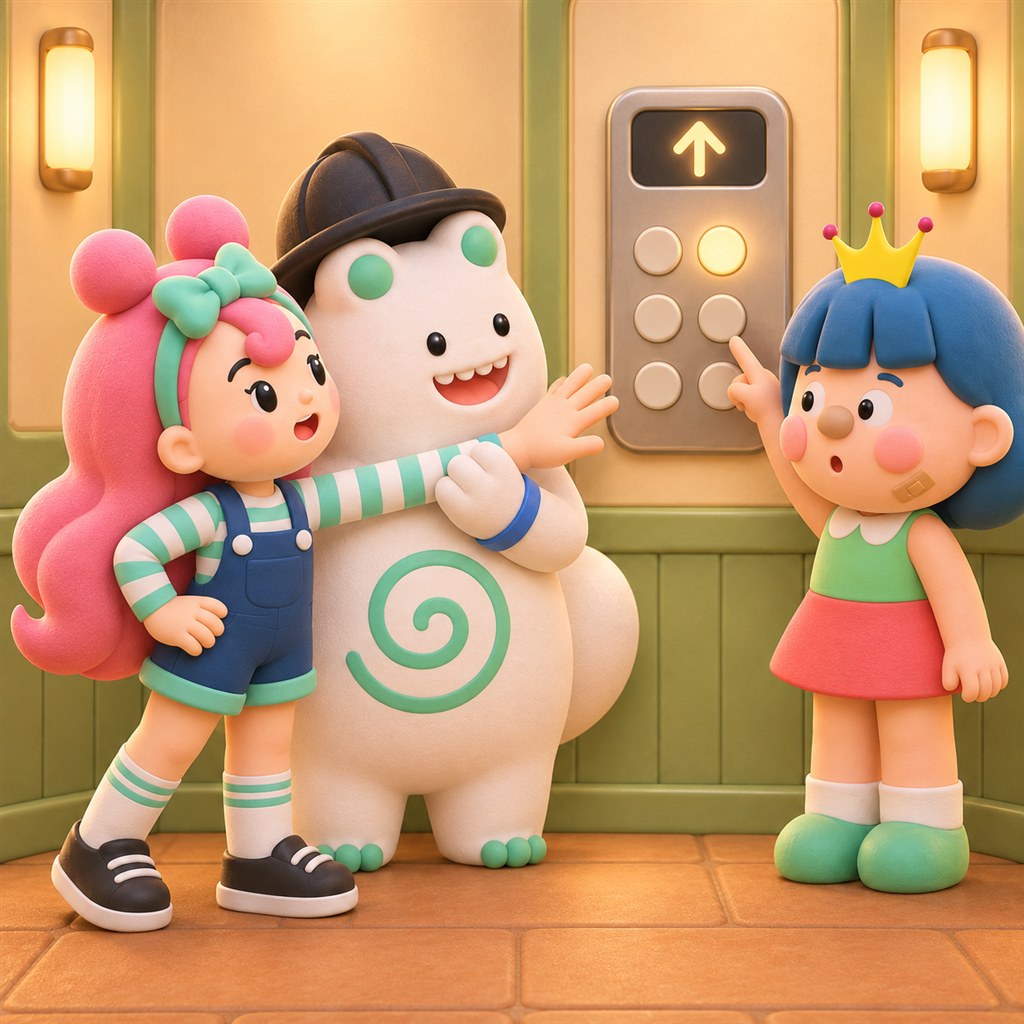
The pictures below tell Didi's story; they are not app screenshots. Look together and ask:
“Will the elevator come faster if I keep pressing the button?” No. Press once and wait.
“We're stuck in an elevator. Should we open the doors ourselves?” No. Press the emergency call button and say, “Someone is inside!” Then hold the hand of the person beside you and wait. There is enough air to breathe inside the elevator.

“The doors are closing. Should I put my hand in to stop them?” No. Stand back from the doors and wait for the next elevator.

Before you look for the emergency call button
- Find the button. Look together inside the elevator in your building or at preschool. The emergency call button may have a bell symbol. Don't press it.
- Press once. Let your child call the elevator with one press and say, “Let's wait!”
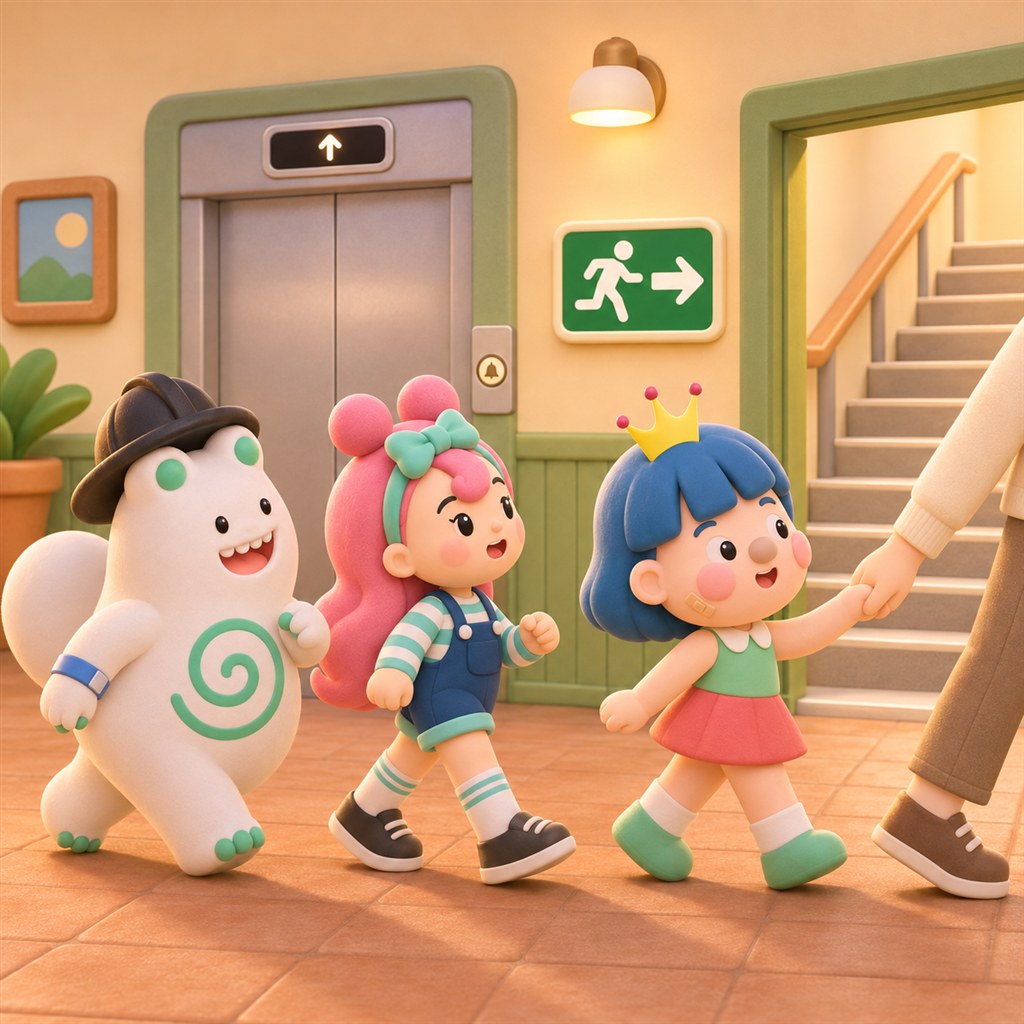
- Find the stairs. Follow the green exit sign together to see where the stairs lead.
This activity does not replace safety education. In an emergency, follow directions from adults and building staff.
While waiting for the elevator, look together for the emergency call button without pressing it. Talk about what to do if the elevator stops.
Gather the class's named pictures and display them near the elevator. Hee-hee!
Yours, Didi
About WAGZAK RUN
WAGZAK RUN is an augmented reality learning-through-play app made by Circus Company. Color a page and point the app at it to see the picture move on screen in your chosen colors. Individuals, educational institutions and businesses can use it free of monthly subscription fees, choosing from 51 languages.
Frequently asked questions
What should I tell a child first about elevator safety?
Keep it short: press the button once, stand back from the doors, call for help and wait if the elevator stops, and use the stairs in a fire. Find the emergency call button together in a real elevator without pressing it.
What should we do if we're stuck in an elevator?
Stay calm, press the emergency call button to alert someone outside, and wait without forcing the doors open. There is enough air to breathe inside the elevator.
Is there a free printable coloring page about elevator safety?
Yes. You can download the “Riding the elevator safely” coloring page for free. Color it and point WAGZAK RUN at it to see the picture move on screen.
Is there a set age?
No age is specified. Younger children can color and scan with an adult; older children can say the safety rules themselves.
Does this activity replace safety education?
No. This activity alone is not safety education. It can help start a conversation before or after a lesson.
Give your picture a turn on screen
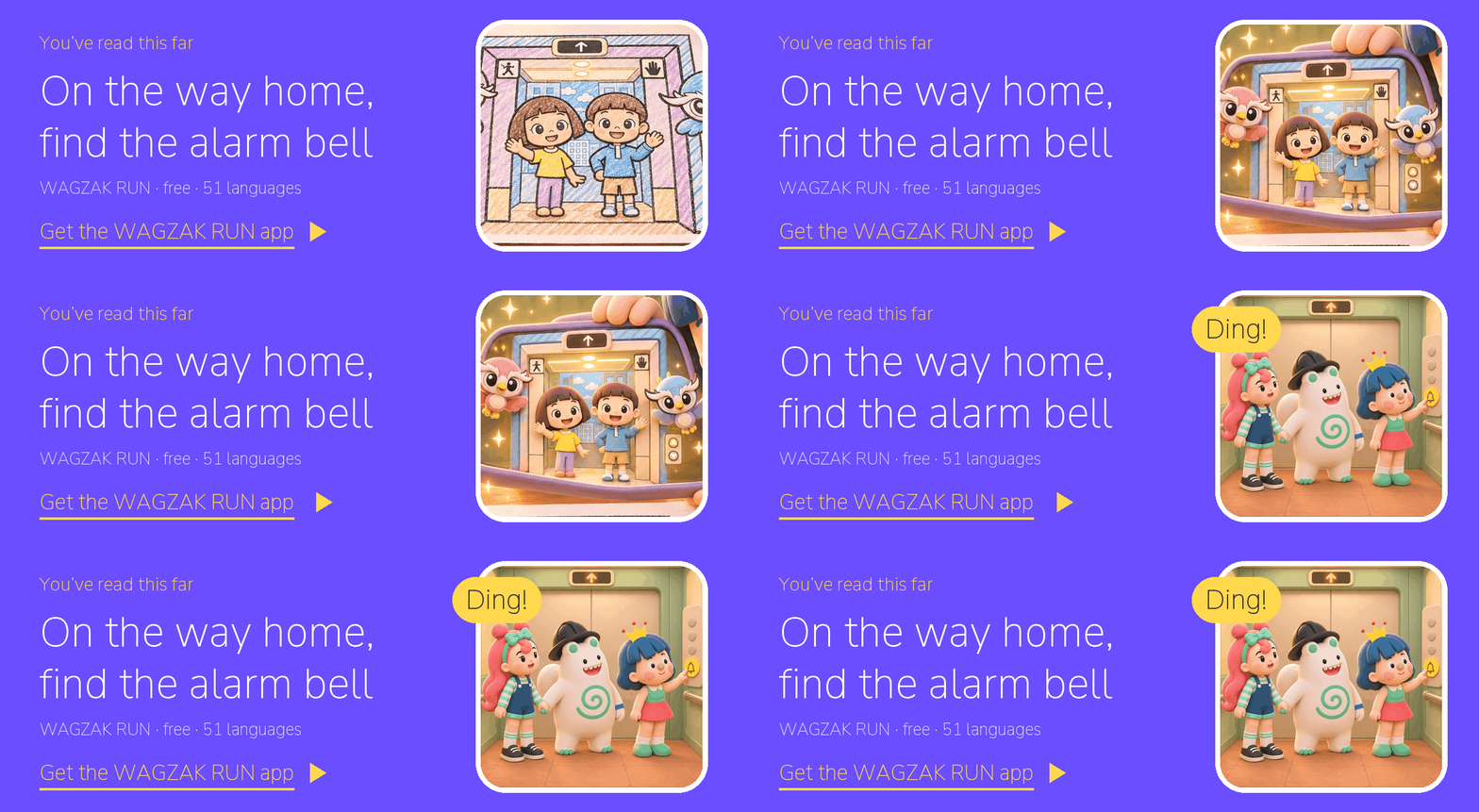
Here are three steps to get started.
- Get and color the page: Download the elevator safety coloring page. It's free, with no sign-up needed.
- Get WAGZAK RUN: Download the app and choose from 51 languages.
- Point and see: Scan your colored picture. First time? See how to use it.
- WAGZAK RUN · Circus Company · free of monthly subscription fees · 51 languages · https://app.wagzak.io/en/