
Free coloring pages for kids: can we cross as soon as the light turns green?
Four crosswalk safety reminders to share
- ✓On red, step back and wait away from the road
- ✓On green, check that traffic has stopped
- ✓Make sure drivers can see you and walk across
- ✓If the signal is flashing, don't start crossing
Start a conversation about traffic safety with a free coloring page. Your colored picture moves on screen!
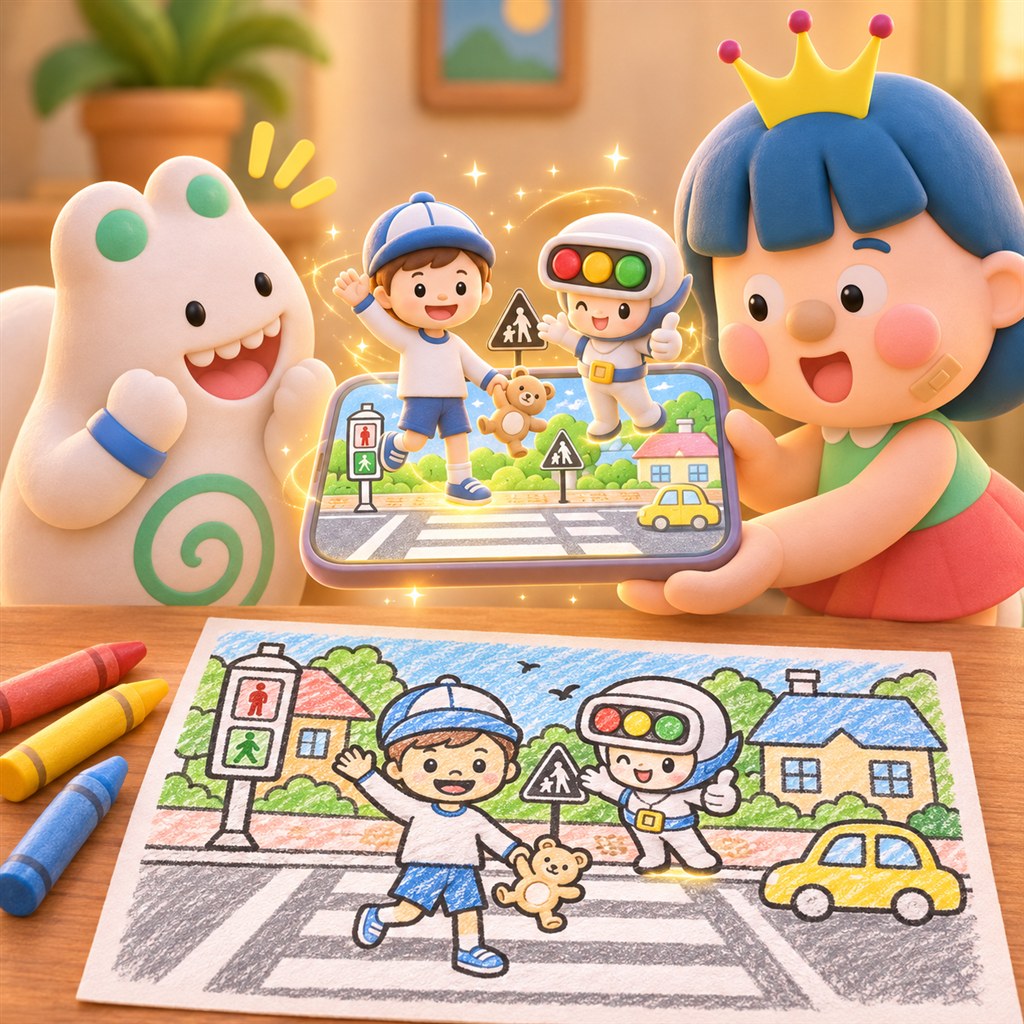
Hello, I'm Didi from Circus Company.
On the way home from preschool, have you ever seen a child start to step forward as soon as the light turns green? I used to want to go straight away too. Free coloring pages for kids can give us a gentle way to start talking about what to look for first.
I tried starting that conversation with a WAGZAK RUN coloring page. Color it, point the app at it, and ta-da! Then talk about the safety rules together. Follow me!
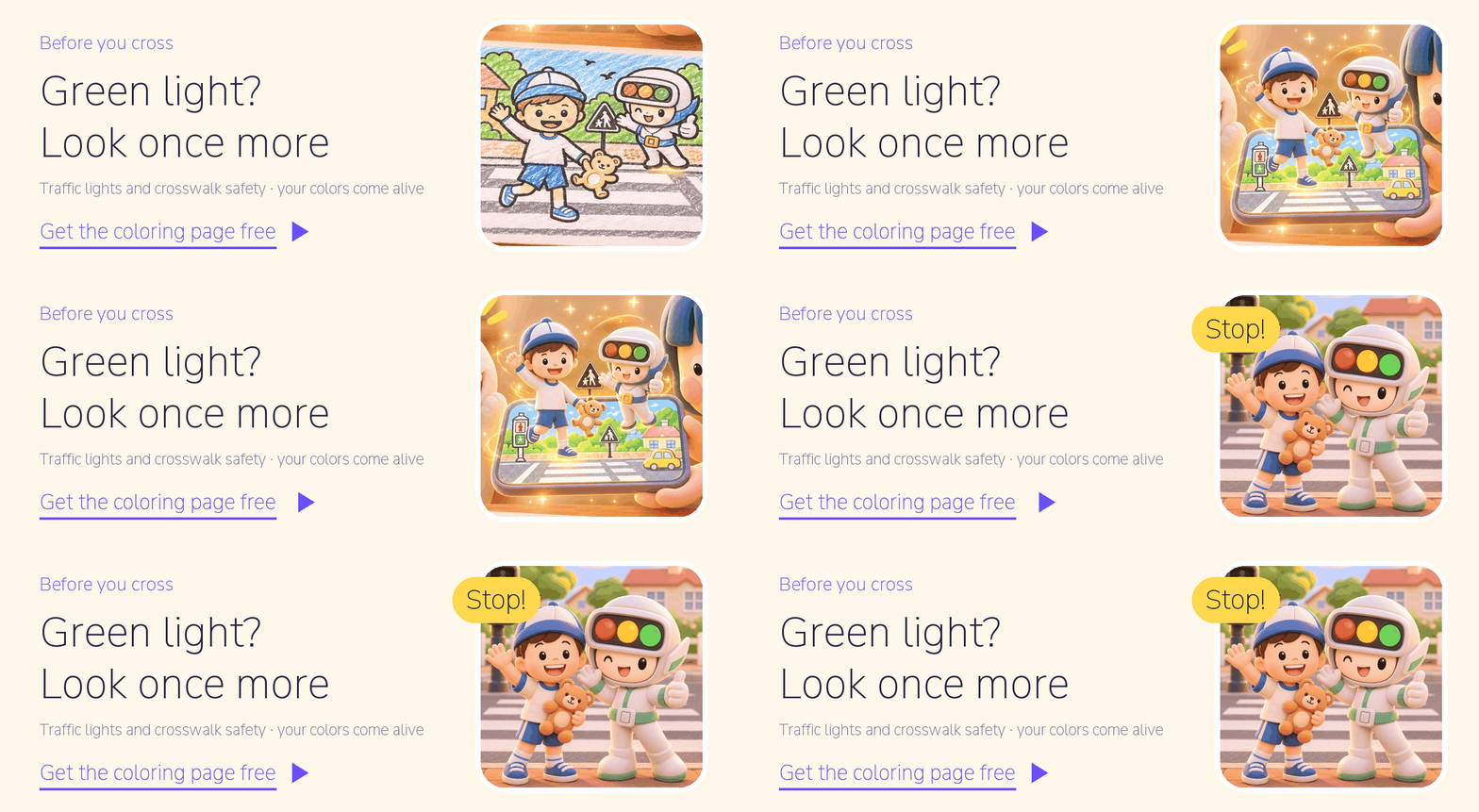
Crosswalk safety for kids: four things to remember
- On red, step back and wait. Find a safe place away from the roadway.
- On green, look first. Look both ways and check that vehicles have stopped before crossing.
- Be visible and walk. Children can be harder for drivers to see. Make sure drivers can see you, and keep looking both ways as you cross.
- Don't start crossing when the signal is flashing. If you haven't stepped into the crosswalk, wait for the next signal to cross. If you're already crossing, keep walking at your usual pace until you reach the other side.

What does research say about learning on screen?
- Children crossing roads: An analysis of 12 studies of virtual reality pedestrian safety training found moderate effects on pedestrian safety knowledge and behavior. Results for pedestrian-related cognition were mixed. (Morgan et al., 2023, Journal of Pediatric Psychology)
- Augmented reality: An analysis of 61 studies of augmented reality in education found a moderate positive effect on learning (d = .64). (Garzón et al., 2019, Virtual Reality)
Here's the important distinction: neither analysis studied WAGZAK RUN. The coloring page is a playful way to talk about safety while looking at a picture your child colored; it is not training. Practice on real roads together with an adult.
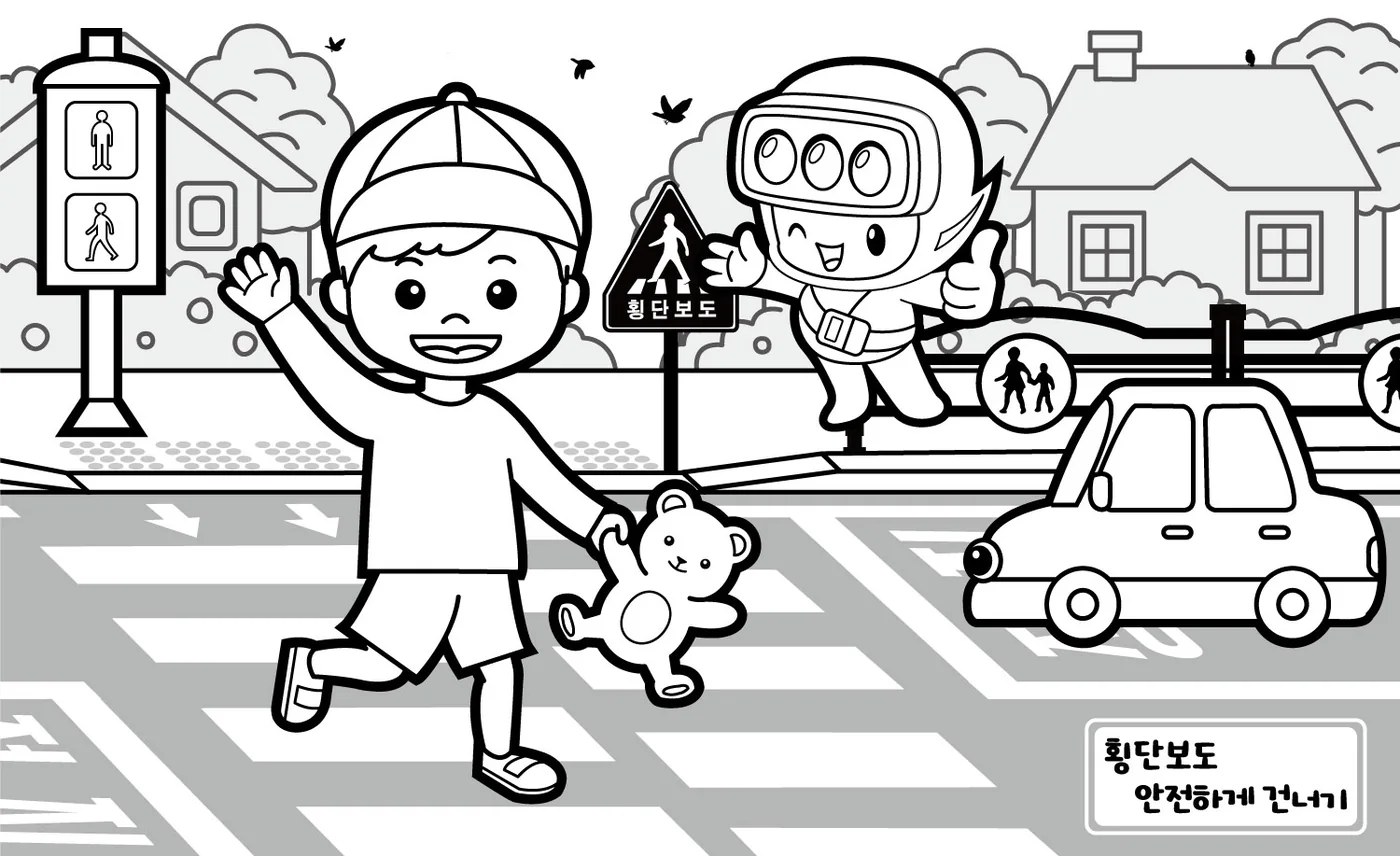
One free coloring page, and ta-da! Your picture moves
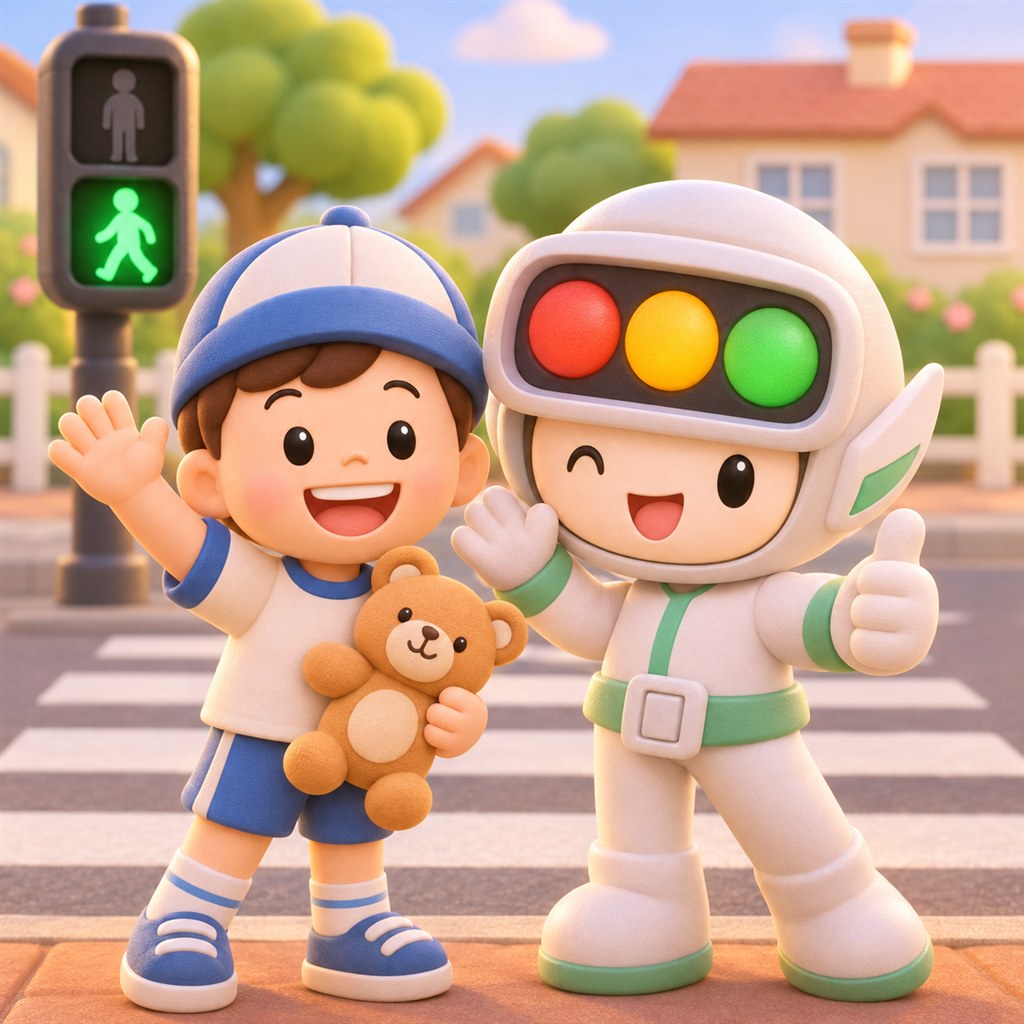
Get the “Traffic lights and crosswalk safety” coloring page. It shows a child in a hat holding a teddy bear, a friend wearing a traffic light hat, a crosswalk and a car.
Print and color it. The tips on the page suggest using colored pencils inside the thick outlines so the app can recognize the picture. Dark coloring with crayons or markers may make it harder to recognize. Then open WAGZAK RUN and point the app at the page.
Ta-da! Your picture moves on screen in the colors you chose. It's a picture your child made, ready to look at together.
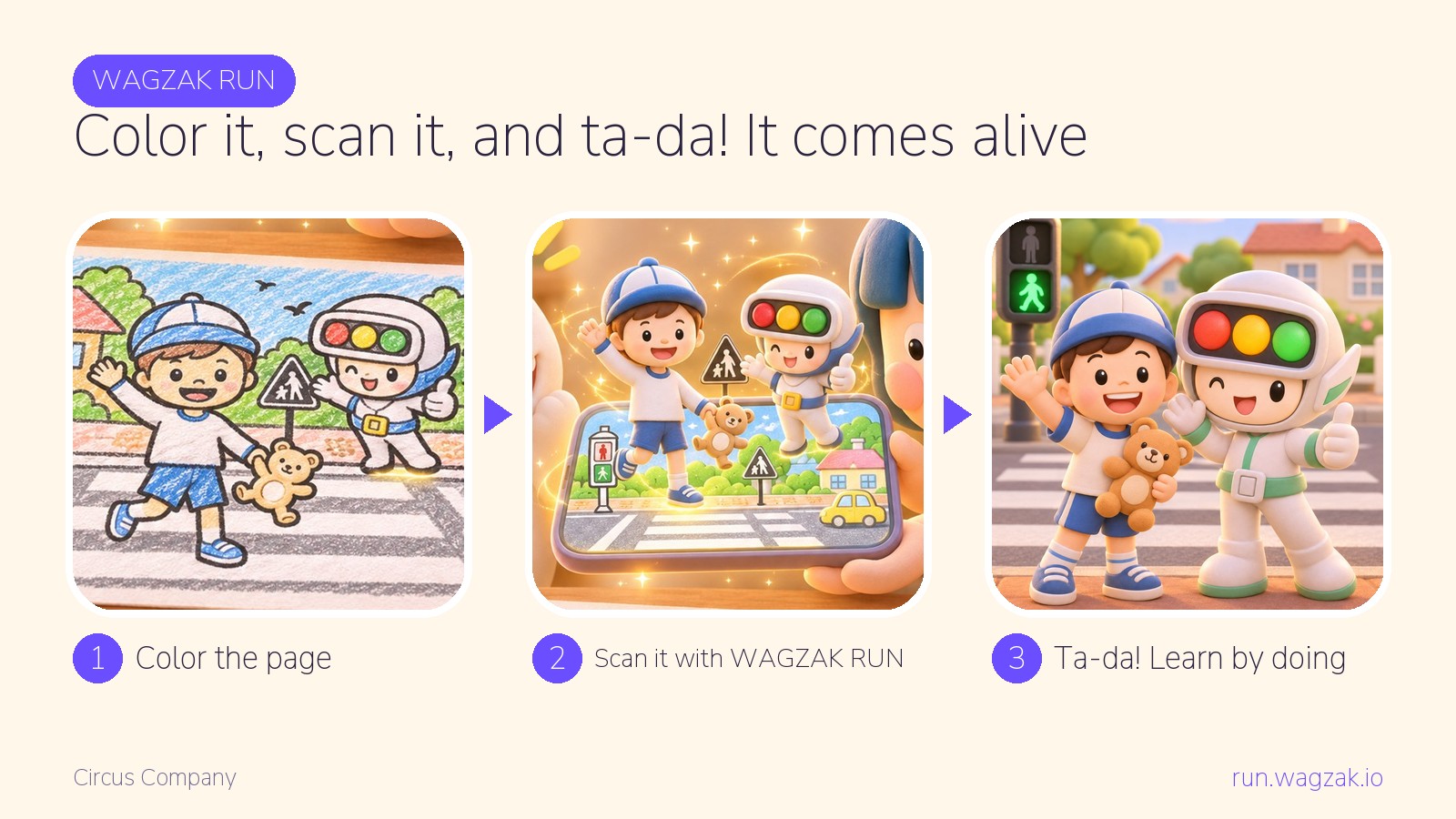
In the classroom, give each child a page to color, then take turns scanning the pictures with a tablet. At home, try it at the kitchen table.
Get the coloring page
After scanning, ask these questions together
The pictures below tell Didi's story; they are not app screenshots. Look at them with your child and ask:
“The light is red and your foot is moving toward the road. What should you do?” Step back and wait. Waiting is a safety rule too.
“The light turned green. Should we run straight across?” No. Look left and right, check that traffic has stopped, make sure drivers can see you, and walk across.
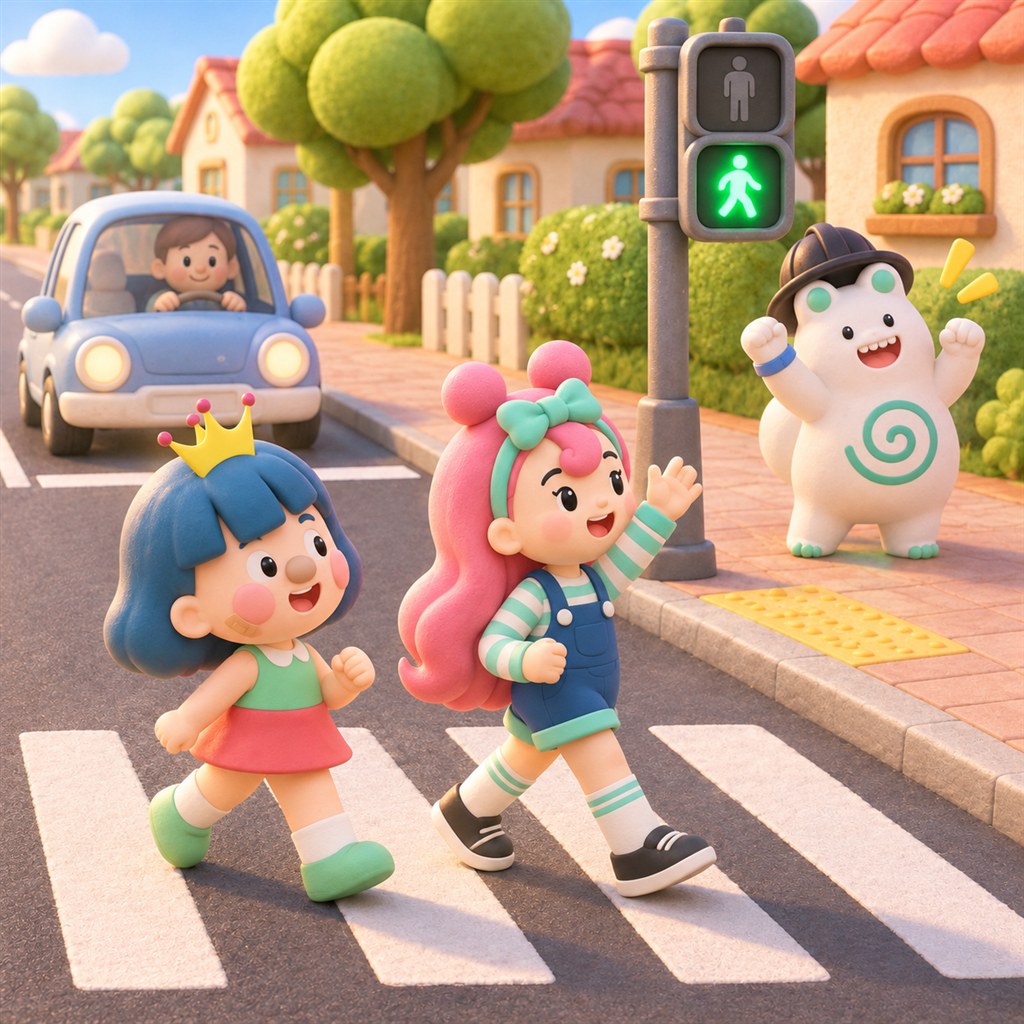
“A ball rolled into the road. Should we run after it?” No. Stop where you are and call an adult, who can retrieve it. Play ball in a park or playground, away from the road.

Three things to try on the way home
- Find a waiting place. At the crosswalk, find a safe spot away from the roadway and stand there together.
- Say “left and right.” When it's time to cross, say it aloud as you look together and check that traffic has stopped.
- Be visible. Make sure drivers can see you and walk across together, looking as you go.
This activity does not replace traffic safety education. An adult should accompany children when crossing real roads.
It's easy to say “watch out for cars” at every traffic light. After talking over a picture your child colored, perhaps they'll be the one to say “left and right!” next time.
Will you stop and look together at the crosswalk today? Share a coloring page with another teacher too. Hee-hee!
Yours, Didi
About WAGZAK RUN
WAGZAK RUN is an augmented reality learning-through-play app made by Circus Company. Color a page and point the app at it to see the picture move on screen in your chosen colors. Individuals, schools and businesses can use it free of monthly subscription fees, choosing from 51 languages.
Frequently asked questions
How can I explain crosswalk safety to a child?
Keep it short: wait back from the road on red; on green, look both ways and check that traffic has stopped; make sure drivers can see you and walk across. Stop and look together at a real crosswalk.
What if the crossing signal is flashing?
If you haven't started crossing, wait for the next signal to cross. If you're already in the crosswalk, keep walking at your usual pace to the other side.
Is there a free coloring page for traffic light safety?
Yes. You can download the “Traffic lights and crosswalk safety” coloring page for free. Color it and point WAGZAK RUN at it to see the picture move on screen.
Is there a set age?
No age is specified. Younger children can color and scan with an adult; older children can describe the safety rules themselves.
Does this replace traffic safety education?
No. It is a way to start a conversation before or after a lesson. An adult should accompany children on real roads.
Try it once today
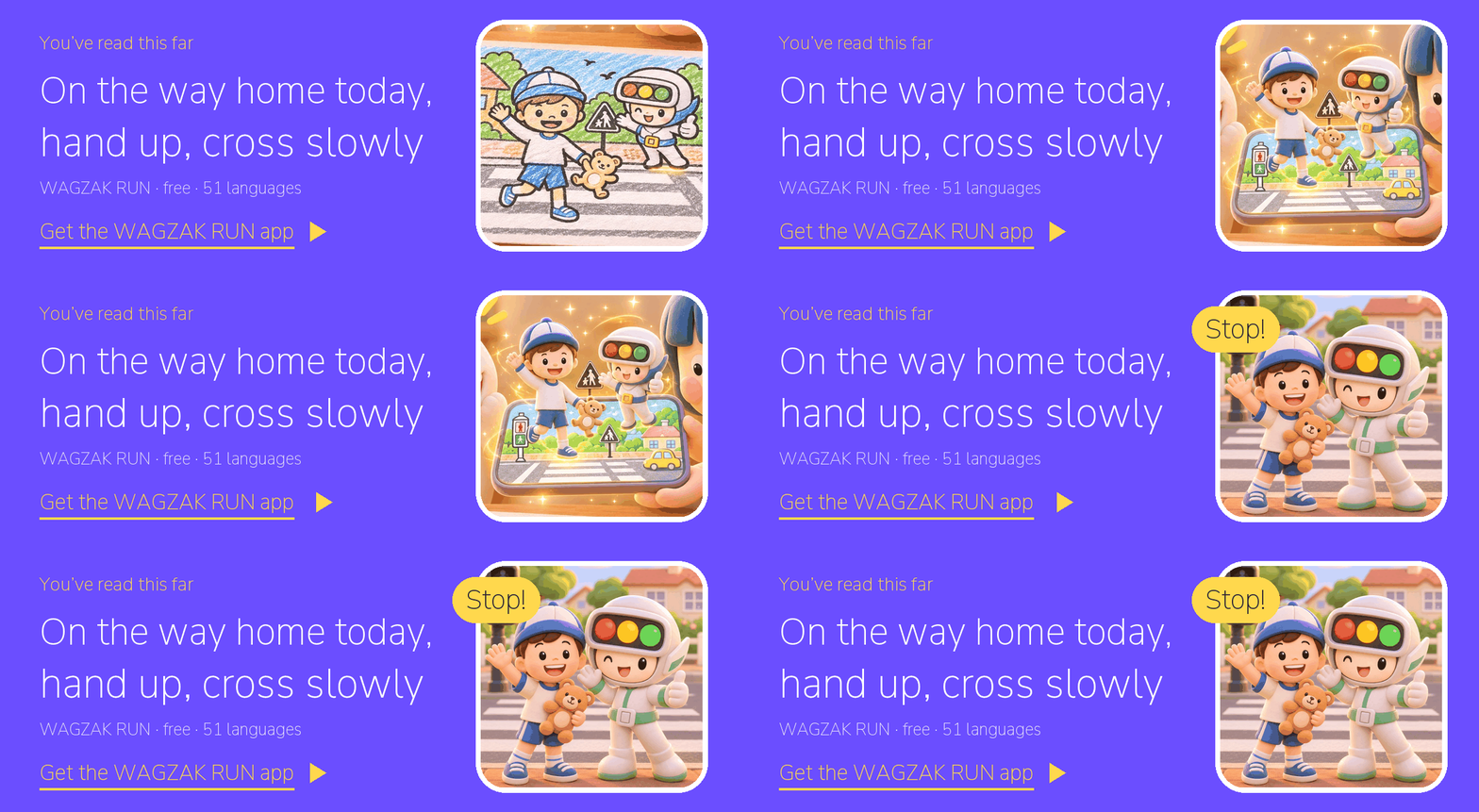
Three steps will get you started.
- Get and color the page: Get the traffic lights and crosswalk safety coloring page. It's free, with no sign-up needed.
- Get WAGZAK RUN: Download the app and choose from 51 languages.
- Point and see: Scan your colored picture. First time? See how to use it.
- WAGZAK RUN · Circus Company · free of monthly subscription fees · 51 languages · https://app.wagzak.io